GitHub
- a social repository for
open source code
projects that use Git for source code versions control. This host site is a distributed file version management systems. Linus Torvalds created this project for Linux kernel development control. Such projects like Chromium, jQuery, PHP, MediaWiki etc. use Git. Good news - this free software is released under GNU GPL license version 2!
The mission of GitHub is to make the development process quick and captivating, especially when a few individuals simultaneously are working on the same task. Apart from being a good tool, GitHub is a large educational source. This service includes more than 21 million of code hosts. So let's take a look at
GitHub features
.
GitHub benefits
GitHub is gaining the lead, in our opinion. And you should check out its strong sides to find out why.
Bug tracking
GitHub integrates this feature to simplify search and bugs fixing. To understand what should be done, a developer just opens the dashboard of each project and filters the information. Questions can also be sorted according to their popularity, update time and so forth. This software also has a convenient user interface that makes it source No.1 among the IT-developers. It can be an answer to your question
'Why should I use GitHub
?'
Find your project easily
GitHub allows finding easily open source code projects. Also, you can find an information concerning learning and searching of open source code projects and making them into groups. In addition, GitHub shows trend repositories and sort them by days, weeks, or months.
Meet new developers
Some thousands of new developers worldwide join the large network of GitHub users to share their experience and express ideas.
Share your experience
Gists allows users to share code, text fragments, or any information with other developers. It can be used for text exchange, and gists work as git repositories, therefore you can just bifurcate them and update their versions. So if you use it in open
source code website
, it can be a real alternative.
Coordinate your projects together
GitHub has effective and clear features for team management. Thus, that the efforts of people engaged in working on the project are easily coordinated through this source. In this case, the outcome of the work is high.
Integrated code search
GitHub supports code search whether it be from a specific project or a website. Moreover, this platform has a perfect SEO, so users can find any code string located in public repositories.
High compatibility
Most cloud hosting services perfectly match GitHub. Any project located on this
source code hosting
can be customized for these services within a few seconds.
Weak sides
-
Only premium users can use all GitHub repositories. The price for using this service is rather high. Nevertheless, the quality of service it provides is worth the candle.
-
Restrictions on file size
. The repository can host information up to 1 Gb and file size cannot exceed 100 Mb.
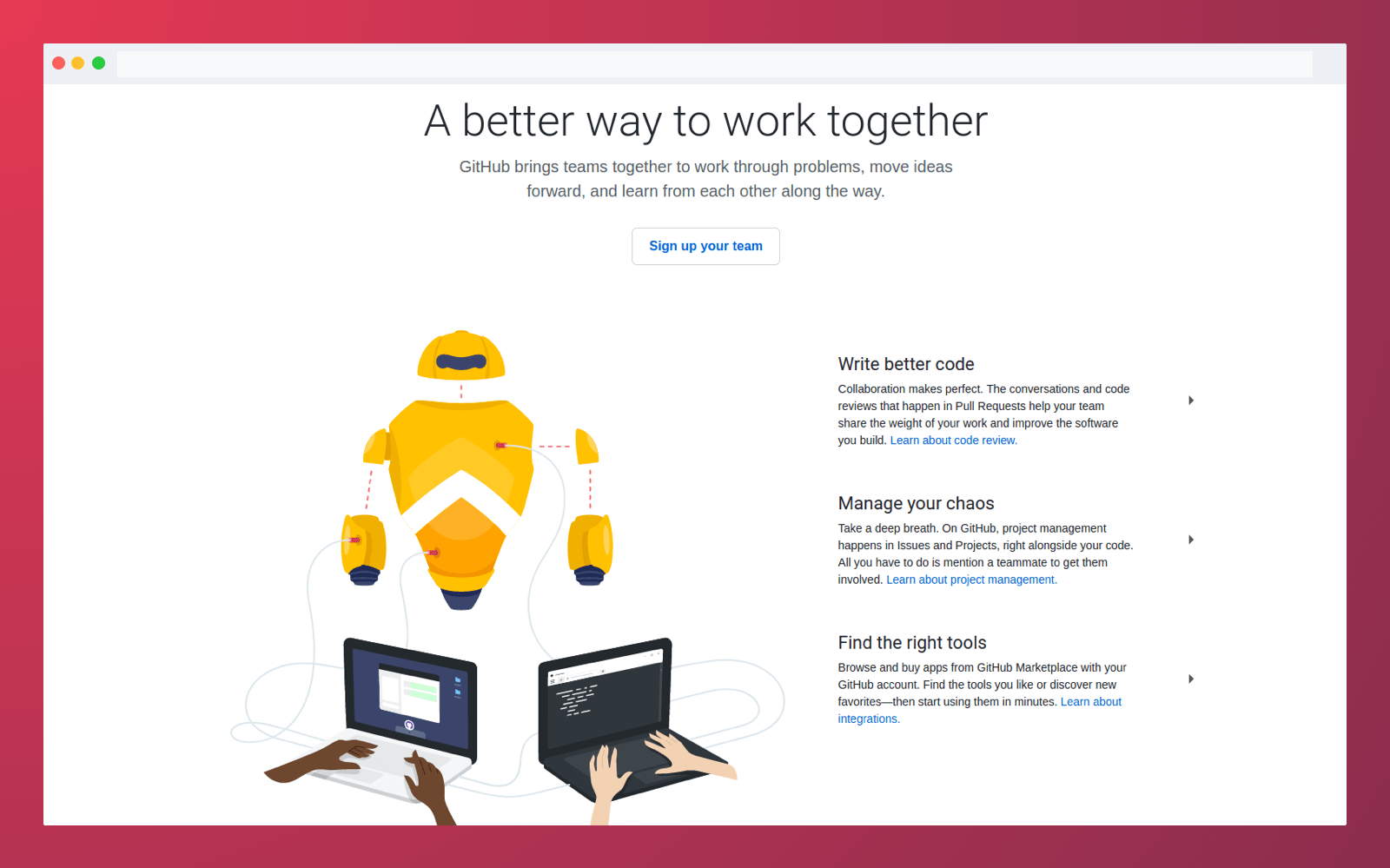
GitHub page: find the code you need
What is GitLab: its meaning and features
Developed on the basis of Git version control system,
GitLab
is one of the best web platforms for hosting project source codes. Although GitLab is similar to GitHub in terms of functionality, it seems to be a better choice for teamwork than its famous counterpart and
GitLab features
may be different somewhat.
GitLab exists in two forms. The first one is SAAS - website with open registration, and the second one is an individual solution GitLab Community Edition. They both can be perfectly customized to any service.
GitLab benefits: reasons to use GitLab
What's interesting can you find on GitLab?
Free service
Users can find an unlimited number of private repositories in GitLab. This service is completely free. Nevertheless, there is a notification that users will have to pay for storing files that exceed 10 Gb in their size.
Open source code repository
GitLab software is available under the license with an open source code.
Free hosting
There is a Community Edition -
free
source code repository
for Debian, Ubuntu and CentOS computers. Enterprise Edition is a paid solution that adds proprietary features over Community Edition, improving integration with other online tools, server options management, workflow management as well as authentication and integration with authorization.
Bug tracking mechanism
GitLab has an effective integrated bug tracking mechanism. Users can create tasks, comment and close them.
Files editing in the web interface
Editing of files is possible directly in the web interface and you can do it without loading of the repository. So if you need to make small changes in an
open source code websites
, this way is that what you need.
LDAP integration
Full integration with
LDAP
. Lightweight Directory Access Protocol is an app protocol for access and support of distributed directories services around the Internet. GitLab EE adds additional features such as support of several LDAP servers and group synchronization.
Its drawbacks
-
The interface is rather slow - switching from one page to another takes some time.
-
Technical problems with repositories are quite frequent.

GitLab platform to use source code hosting
What is BitBucket: third participant in a race
BitBucket
can be called as a real worthy competitor to GitHub.
Why BitBucket?
Different operating systems support this platform. You just need to create to register on the official website and then you can create your personal account. In fact, it is based on a source code management mechanism. You can simultaneously use the code with integrated comments, and also make requests, manage and share your Git repositories. It is possible to create a flexible deployment model for any team. Moreover, you can get access to private and public repositories without any difficulties.
BitBucket advantages
And, finally, BitBucket comes into play!
Free for small teams
If your team includes no more than 5 individuals, you can get an unlimited number of free private repositories. So, this
source code repository hosting
doesn't charge a fee for each private repository, it charges a fee only for a number of repositories in total.
Query management system
BitBucket is provided with an integrated system of query management.
Authentication via GitHub
BitBucket supports social media and authentication via GitHub.
Integrated JIRA tool
Bug tracking tool JIRA is developed by Atlassian. You may be acquainted with the previous result of their work - BitBucket service. When the components of bug tracking are integrated, JIRA automatically updates information about problems when a new commit is performed in a BitBucket repository and here
BitBucket benefits
are obvious.
Repositories importing
Importing of existing repositories. Great feature, isn't it?
Discounts for students and teachers
Atlassian suggests student licenses for students and teachers for Atlassian products developed for educational purposes. BitBucket is included, therefore students and teachers can have unlimited private repositories with an unlimited number of participants.
Disadvantages
-
Private repositories are free for a team with 5 members and fewer. If the team is larger, it will be necessary to pay for each additional team member.
-
The only way of search is to launch repository and find it locally or use external apps.
-
Not so stable as GitHub. Some problems during a work session may slow down the process.

Use Atlassian BitBucket for team work


